
Automated image
creation and editing.

Pixel is your image agent. She turns your brief and references into an approach, works through the image tools, and reviews and refines the result. You bring the brief. Pixel handles the rest.

Have Bakin? Install Pixel!

Get Bakin
bakin agents install github:markhayden/bakin-bits-official#agents/pixel
Pixel comparing art prints while planning with her drawing tablet.

She knows what comes next.

A few briefs worth handing over.

01 PRODUCT LAUNCHES

Make the launch graphics.
Skip the model homework.

Give Pixel the product, the brief, and where the image will be used. She works through the image tools, prompts, and revisions needed to bring it to life.

How it works

  1. Choose an approach for the job

    Pixel weighs the reference, visual style, output size, and editing needs. Bakin’s image recommendations help her choose from the providers and models configured in your workspace.

    briefrecommendcompose
  2. Review, then make a specific edit

    She checks the output against the brief and turns what’s wrong into an edit request. Composition, lighting, and material details come from her visual knowledge—not another vague “make it better.”

    generatereviewedit
  3. Keep the work together

    Revisions become versions of the same managed asset. The prompt, model, and source references stay attached, so you can review the result and follow how it was made.

    versionreview
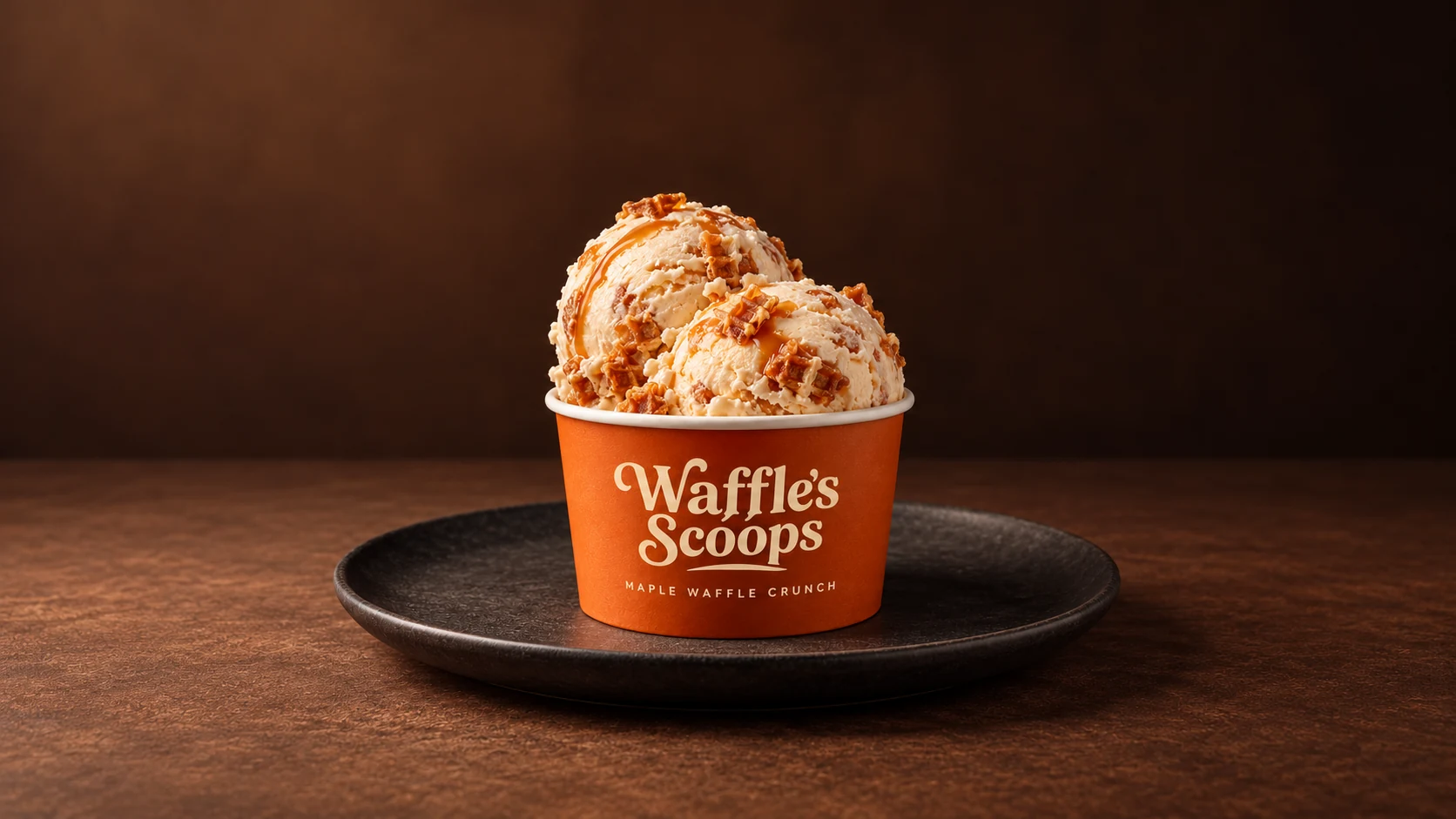
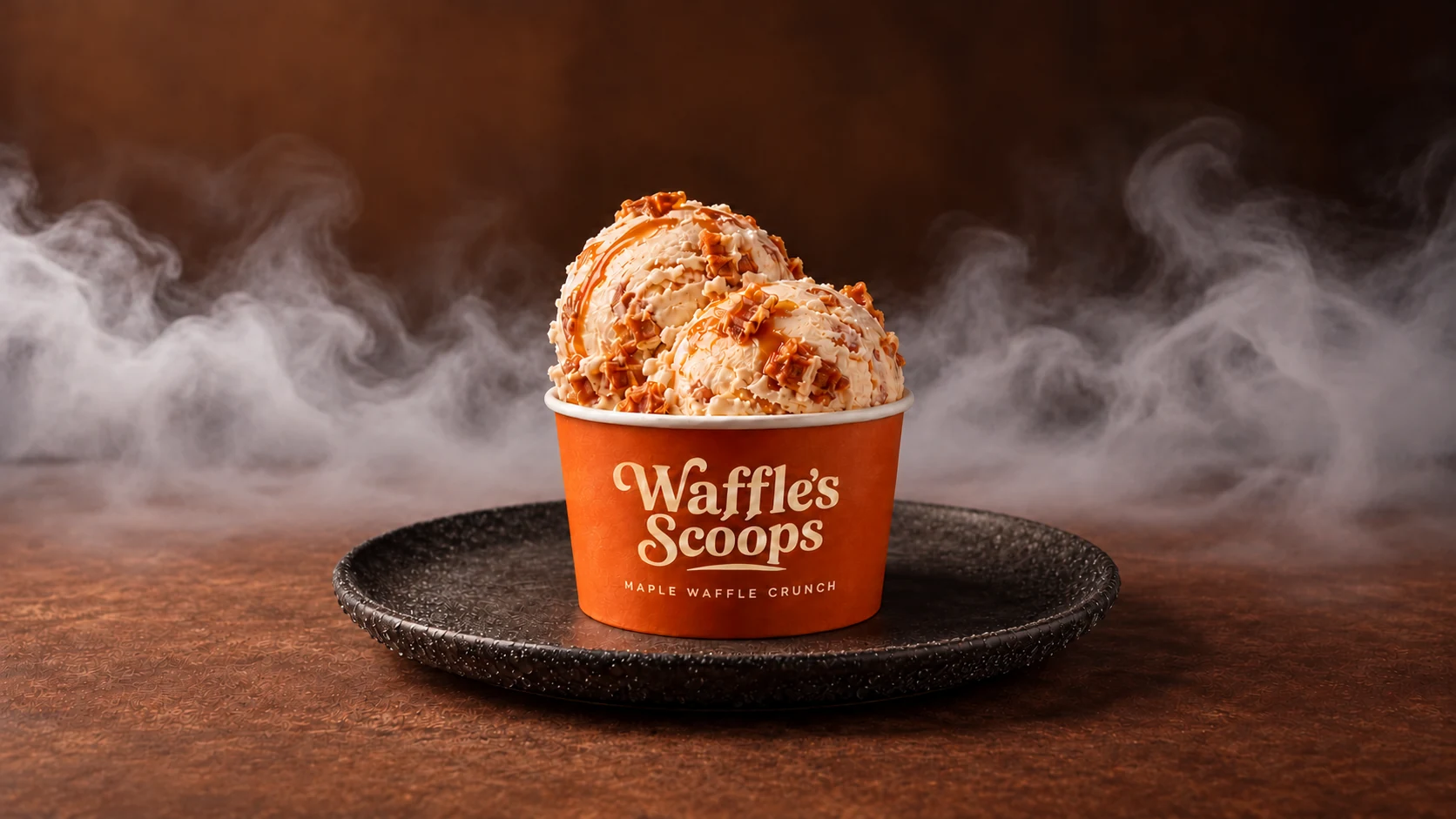
Waffle’s Scoops Maple Waffle Crunch product shot before cold atmosphere is added.
01 / BRIEF & APPROACH

“Launch our new ice cream flavor.”

Pixel reads the product reference, plans the composition, and chooses an image route for the required detail, size, and budget.
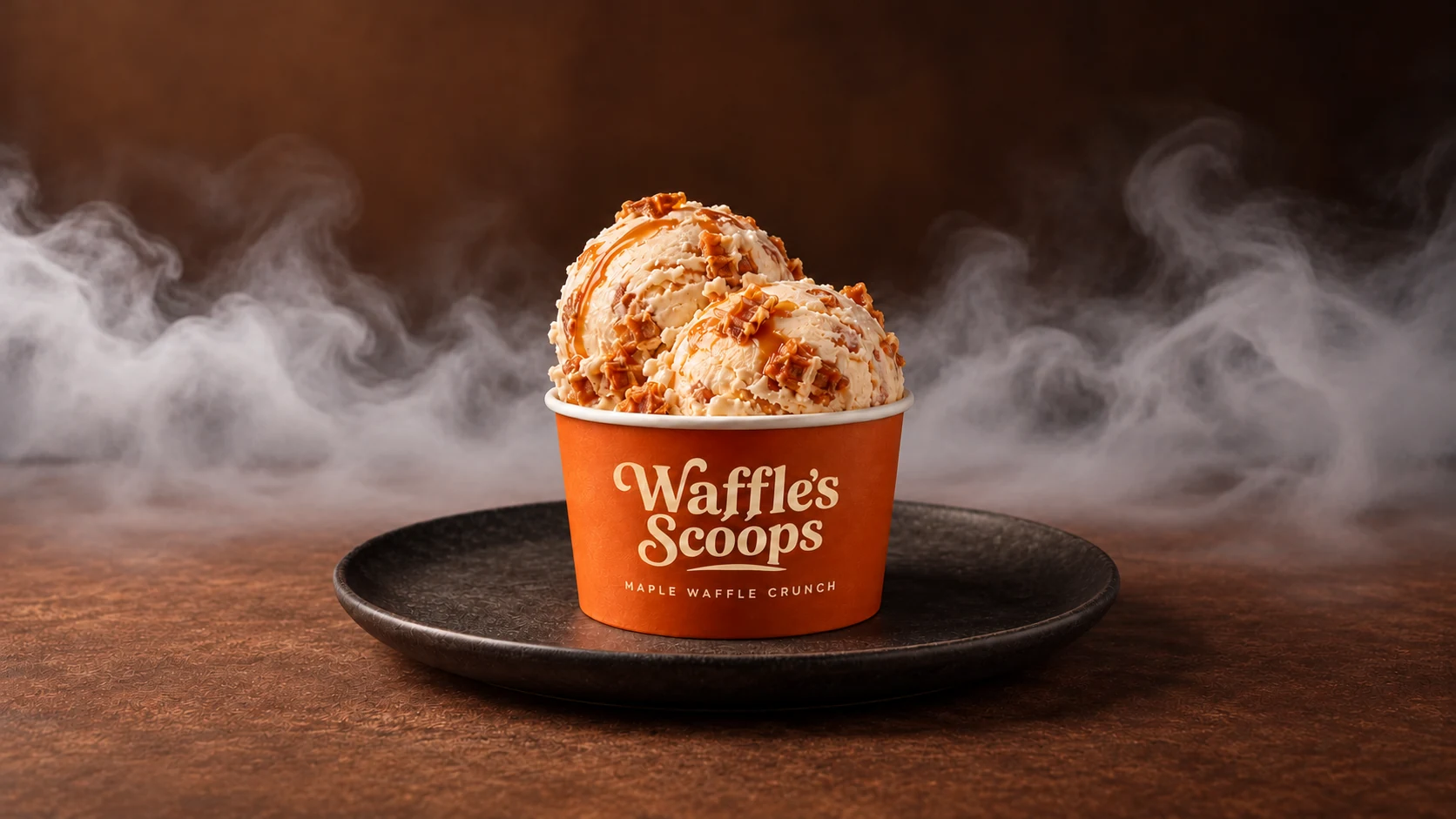
Keep: the cup, lettering, and flavor. Create: a cold, appetizing launch shot.
02 PRODUCT DOCS & EXPLAINERS

Show your actual product.
Not a made-up interface.

Bring real screenshots, product images, and the point you need to explain. Pixel uses that material to plan clear visuals for guides, feature announcements, and onboarding.

How it works

  1. Read the source material

    Screenshots and product references give Pixel something concrete to inspect. She identifies the feature, the relevant details, and what the reader needs to see.

    briefreferences
  2. Separate the facts from the treatment

    Keep the original UI as the source. Plan the framing, callouts, and supporting artwork around it, so improving the presentation doesn’t mean inventing a different product.

    composeannotate
  3. Check against the project

    Review the graphic against the supplied screenshots and instructions. Keep the dimensions and visual treatment consistent with the rest of the guide.

    comparereviseformat
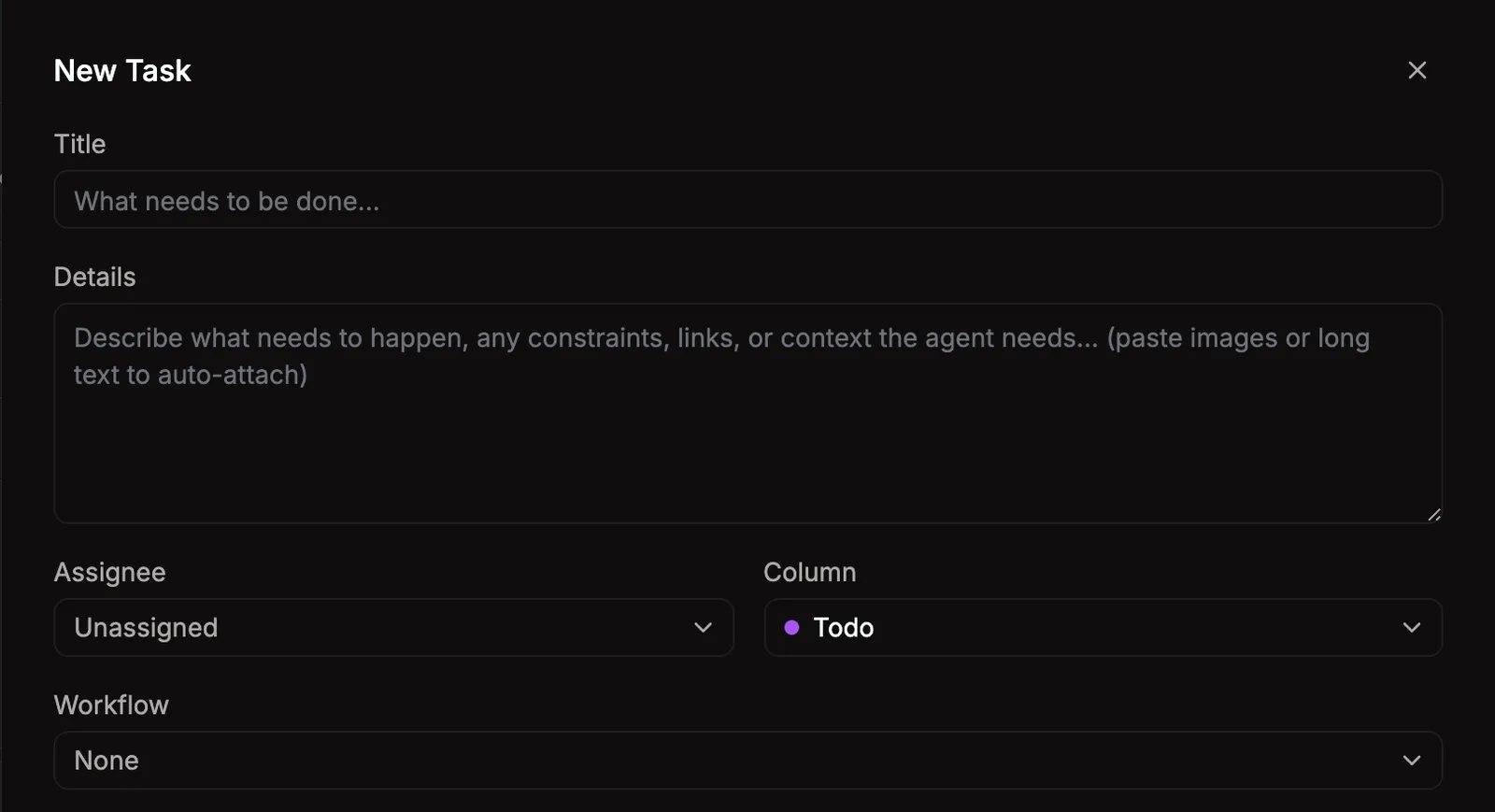
Actual Bakin New Task dialog with Title, Details, Assignee, Column, and Workflow fields.
01 / PROJECT REFERENCES

“Explain how to create a task.”

Start with a screenshot from your actual app and the steps the reader needs to understand. Pixel has a real interface to work from.

03 RECURRING CHARACTERS & CAMPAIGNS

Same mascot.
New scene. Every week.

Give Pixel the approved character and a new situation. She carries the reference, palette, and recurring details into the next image, instead of starting your mascot from scratch.

How it works

  1. Use the image, not just its description

    Pixel passes the approved artwork to a reference-capable image model. The prompt describes what changes; the reference supplies the identity to preserve.

    referencegenerate
  2. Keep a working style guide

    For recurring work, Pixel reads the series notes before generating and updates them after delivery. Palette, visual cues, output format, and prior assets remain available for the next request.

    style guidecontext
  3. Catch drift before it becomes the new normal

    Review the markings, costume, and proportions against the approved character. Revise the details that drift, and keep the history with the asset.

    compareeditversion
Scout the golden corgi with a blue cape, gold medallion, white blaze, and dark-tipped ear.
01 / APPROVED IDENTITY

Meet Scout. Keep him Scout.

Pixel starts with the approved image and records the details that define him, instead of relying on “a superhero dog” in every prompt.

White blaze · dark-tipped ear · blue cape · gold medallion

Visual knowledge.
Repeatable workflows.

Pixel brings the prompt craft, style knowledge, and review process. Bakin supplies the configured image providers, versioned assets, and workflow history. Add evaluation and masking tools when the job needs closer checks or more precise edits.