Automatic image
quality checks.

Give Squint an image, a reference, and the rules that matter. It checks what changed, looks closer at the details, and returns pass, fail, or unsure—with evidence you can inspect.

What can Squint do for you?
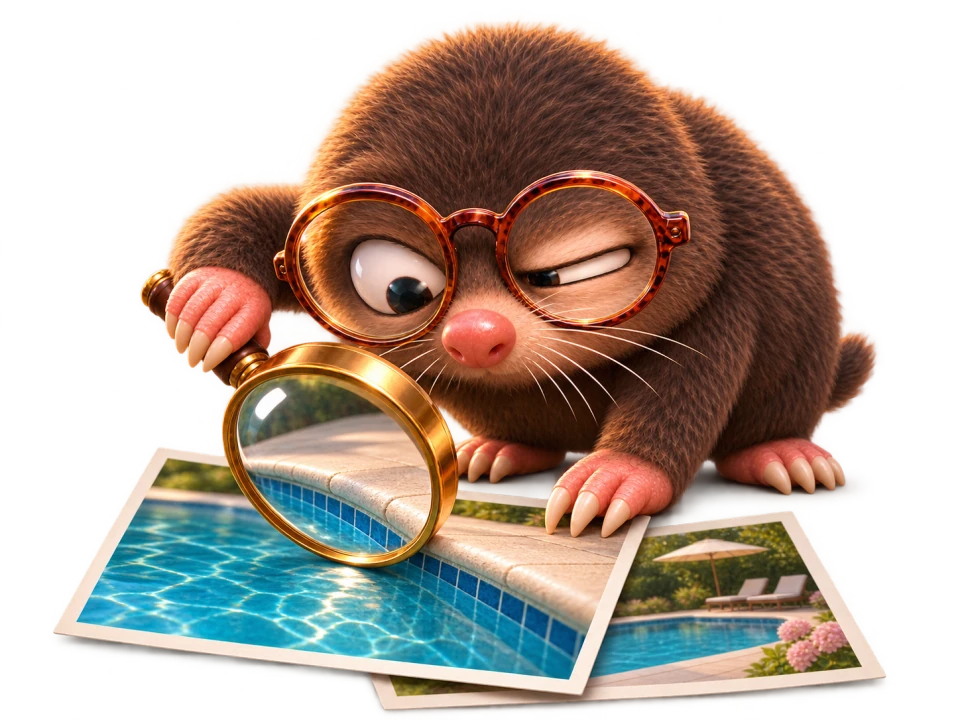
Squint closely inspecting pool photographs through a magnifying glass

He takes “looks fine” personally.

A few things worth a second look.

01 SOURCE & REFERENCE FIDELITY

Change the scene.
Keep the facts.

A new setting should still show the same property, person, or character. Squint checks the details that must survive the change—even when the lighting, pose, or style is different.

How it works

  1. Define what must hold

    Squint turns the use case and your requirements into a checklist. Permanent structures and identifying features get their own checks; allowed changes are recorded separately.

    requirementschecklist
  2. Compare the right details

    For the same scene and viewpoint, alignment brings both images into a common frame. Close-up views let the evaluator inspect corners, markings, and other details that a full-image glance can miss.

    alignview
  3. Resolve each requirement

    Each finding includes a reason and a location. Code weighs those findings against the required rules to return pass, fail, or unsure. An uncertain detail stays uncertain.

    findingsverdict
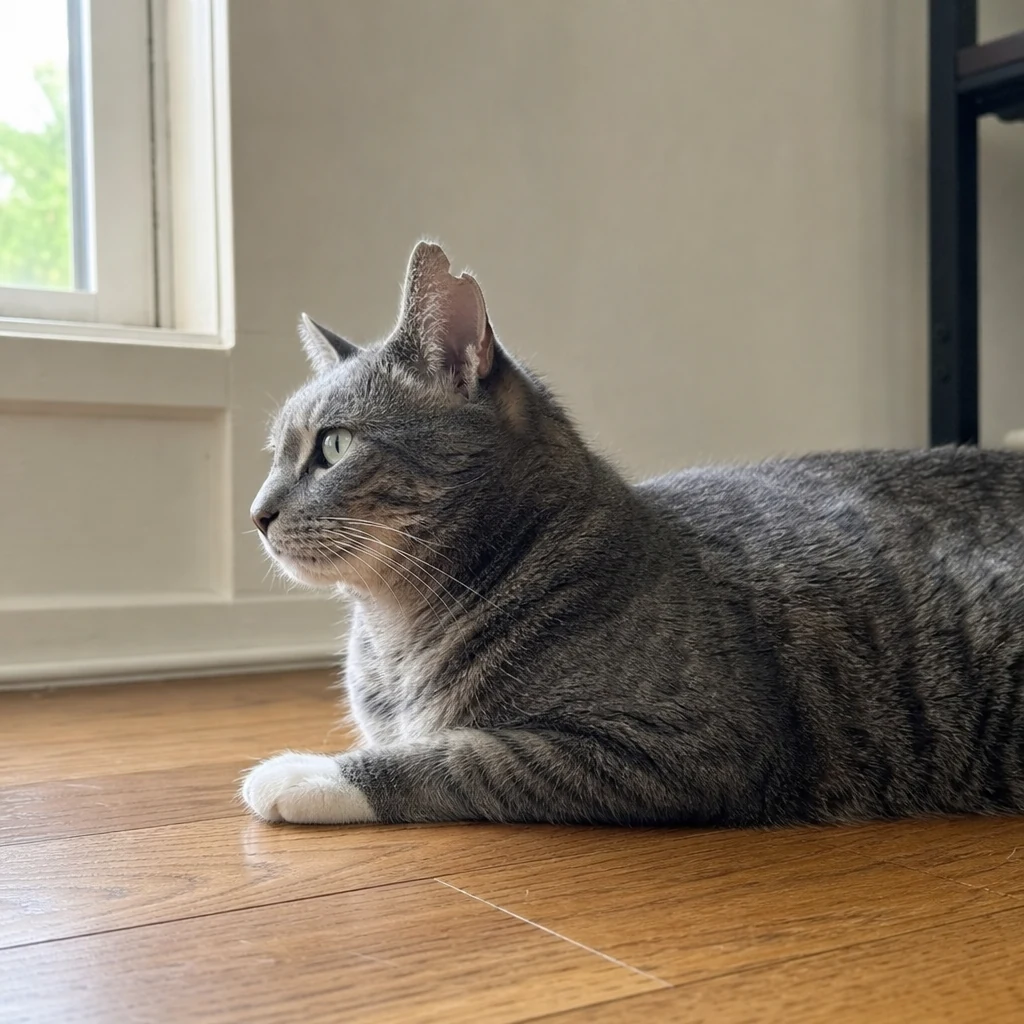
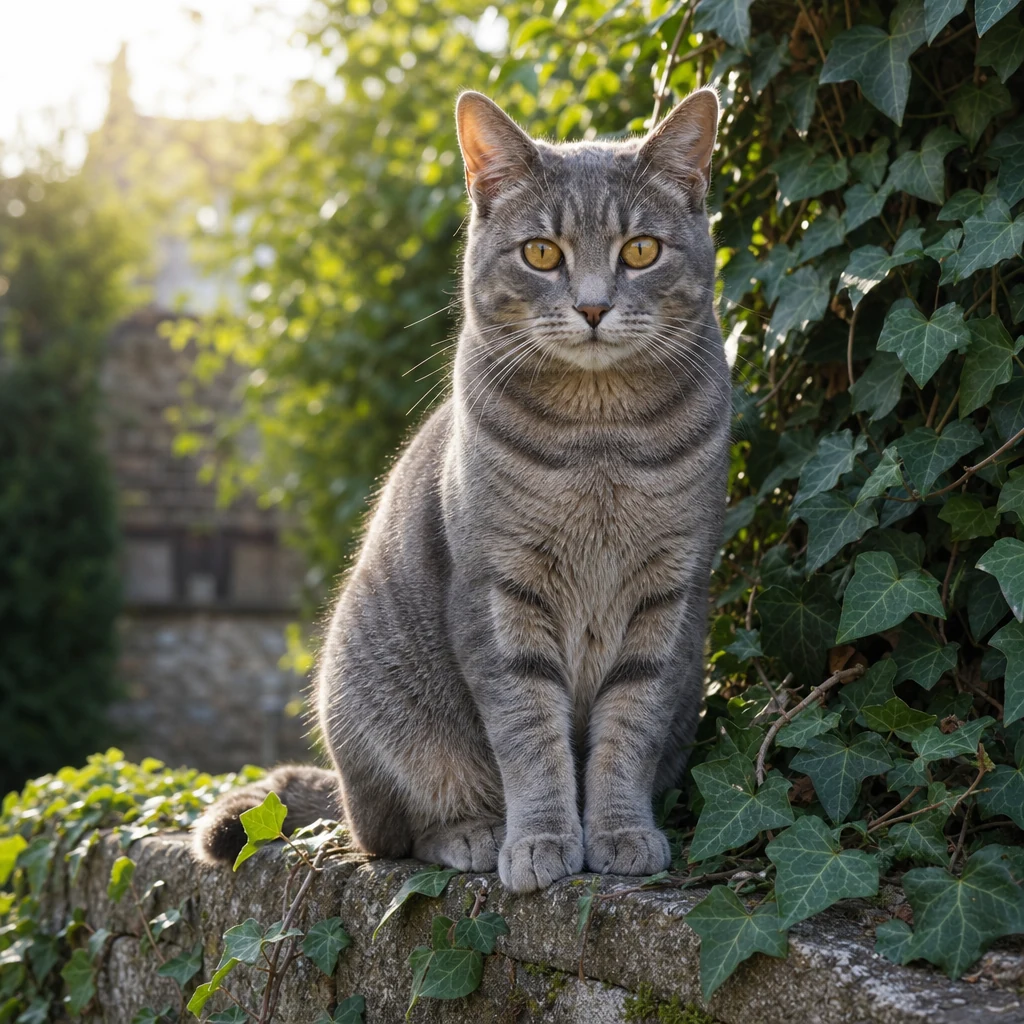
Marlow with green eyes, a white front paw and a notch in his ear.REFERENCE
A similar grey cat in a garden, with amber eyes, no ear notch and no white paw.EVALUATED
01 / REQUIREMENTS

Same cat. New scene.

A different pose and setting are allowed. Keep Marlow’s white paw, green eyes, and ear notch.

02 REALITY CHECKS

Two heads aren’t
always better than one.

Extra fingers. Fused limbs. Reflections that don’t add up. Squint checks for the mistakes that can hide inside an otherwise convincing image, then points out what needs attention.

How it works

  1. Check physical plausibility

    A vision model works through explicit anatomy and realism rules, checking the candidate image against what could exist in a real photograph.

    reality checkschecklist
  2. Look closer where it counts

    The view tool supplies crops from the image, giving the evaluator a closer look at hands, faces, and other suspect regions. Each crop keeps its connection to the original coordinates.

    view
  3. Return a fixable finding

    A failed requirement comes back with evidence and a location. Your agent or editor can pass that area to a repair tool and run the evaluation again after the fix.

    findingsverdictrecheck
Cafe portrait with a raised hand showing a thumb and five fingers—six digits total.EVALUATED
01 / REQUIREMENTS

Looks ready for the campaign?

Check this cafe portrait for anatomical errors before it gets used in an ad.

03 PRODUCT FIDELITY & BRIEF COMPLIANCE

Your brand isn’t
up for interpretation.

A great-looking campaign image can still show the wrong product. Squint checks the logo, lettering, colors, shape, and other details you specify against your approved reference.

How it works

  1. Make the brief checkable

    The product reference and your must-have details become individual obligations. A new background can be allowed while the brand name and packaging remain required.

    requirementschecklist
  2. Inspect the product, not just the scene

    Close-up views put the reference and candidate details in front of the evaluator. It can compare the label and product features without treating a similar overall composition as proof they match.

    viewcompare
  3. Keep the evidence with the decision

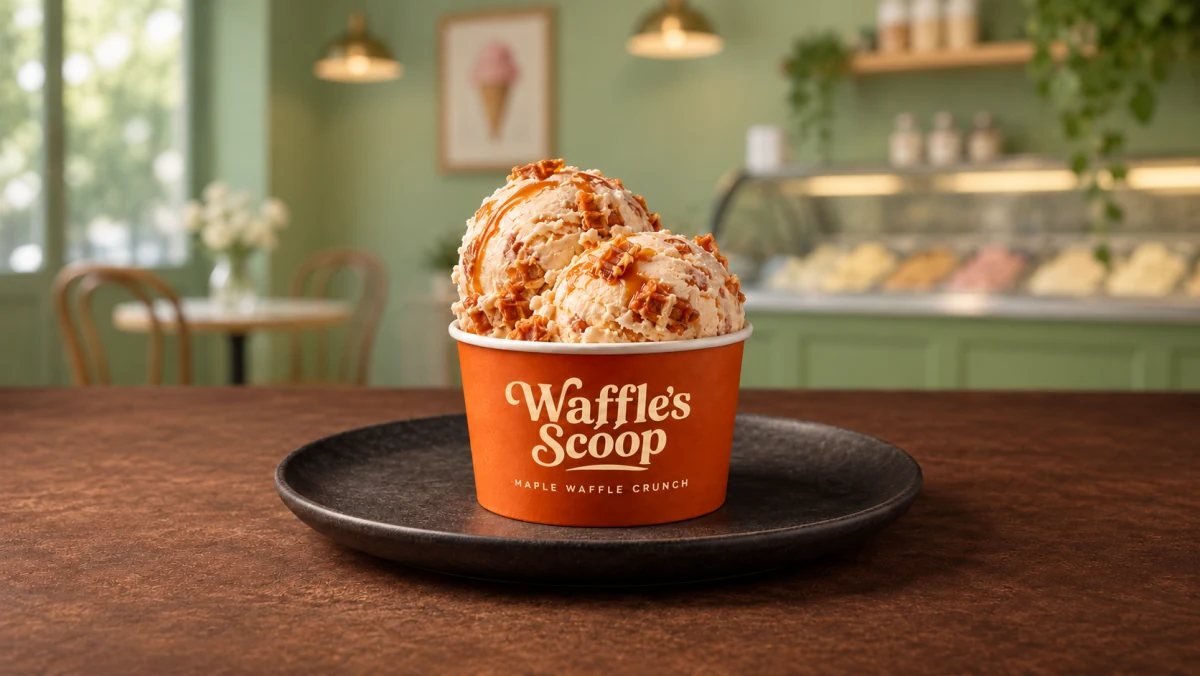
    The report records the finding, its location, the images inspected, and the tool activity behind it. A missing letter can fail the check even when the rest of the image passes.

    findingsreport
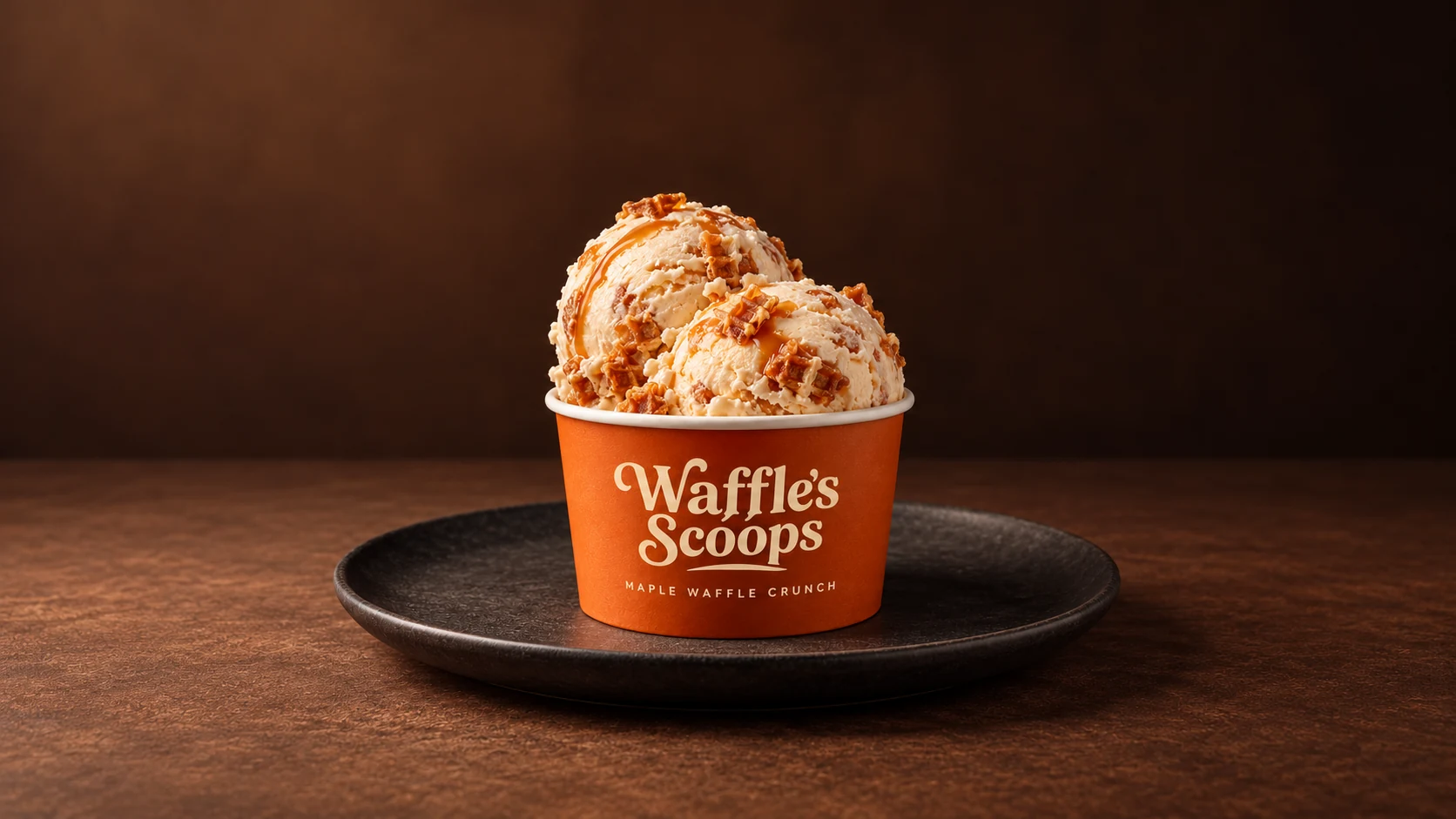
Original orange ice cream cup labelled Waffle’s Scoops.REFERENCE
Shop campaign image with the brand incorrectly changed to Waffle’s Scoop.EVALUATED
01 / REQUIREMENTS

New setting. Exact same brand.

Put the product in an ice cream shop. Keep the orange cup, flavor, and “Waffle’s Scoops” name.

A verdict you can
actually inspect.

Vision models inspect the images. Tools supply evidence. Code computes the verdict from the rules. Every run keeps a report of the findings, tool calls, and spend. Use Squint through its CLI or MCP tools, with limits on turns, tool calls, and cost.